Accessible Technology
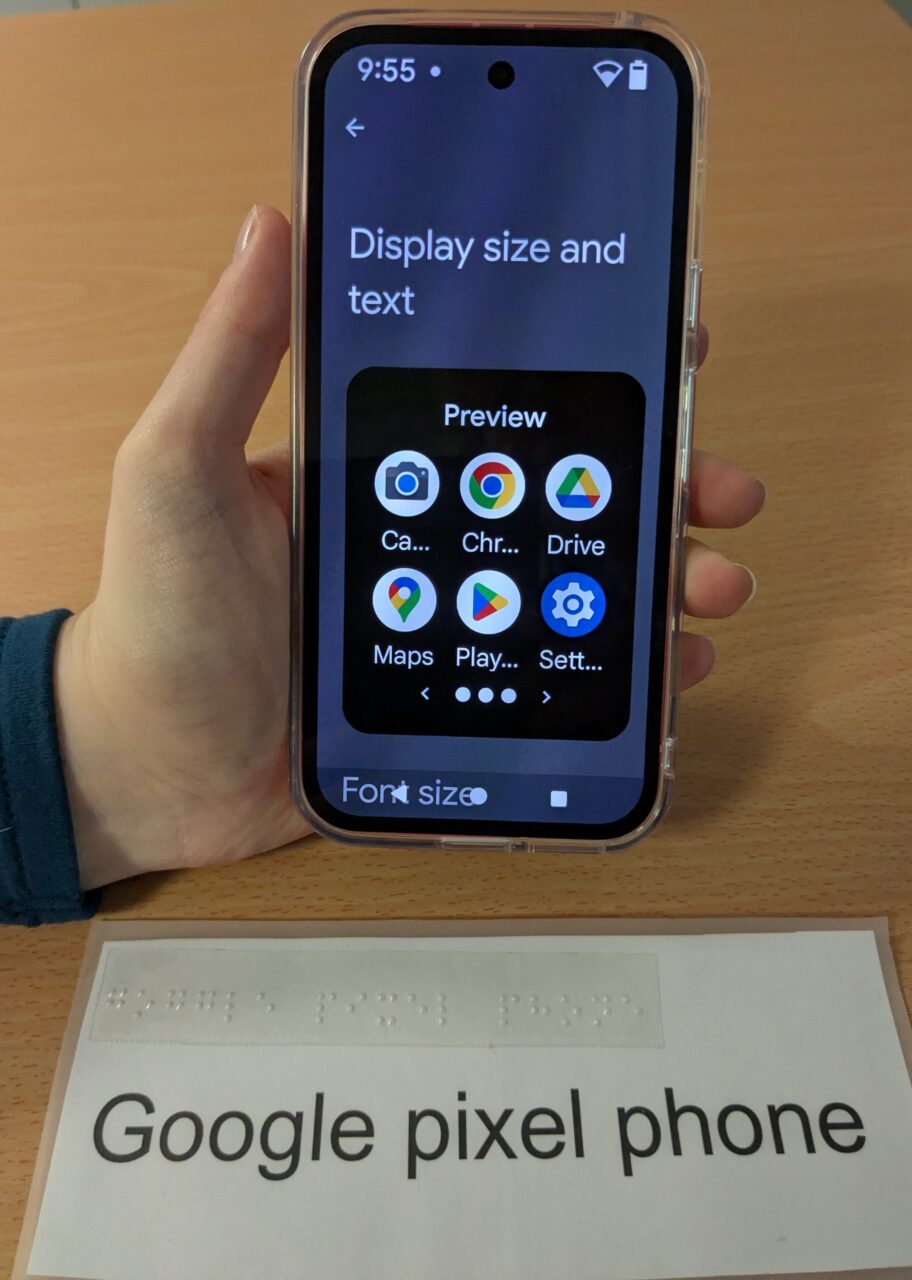
In today’s ever evolving digital world, accessible technology is changing how we live our day-to-day lives in many ways. From smartphones, tablets, apps and wearable technology, all designed to help you navigate the world in different ways.
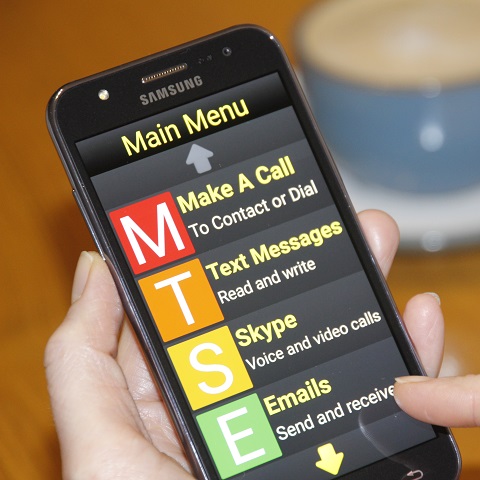
There are many ways which technology can help people living with sight loss in daily life, communicating and connecting with friends and family, helping navigate your environment and empowering you with the confidence to remain independent. Finding the right piece of technology for you can often be confusing and scary with so many different devices and apps, it can be difficult to know where to start.
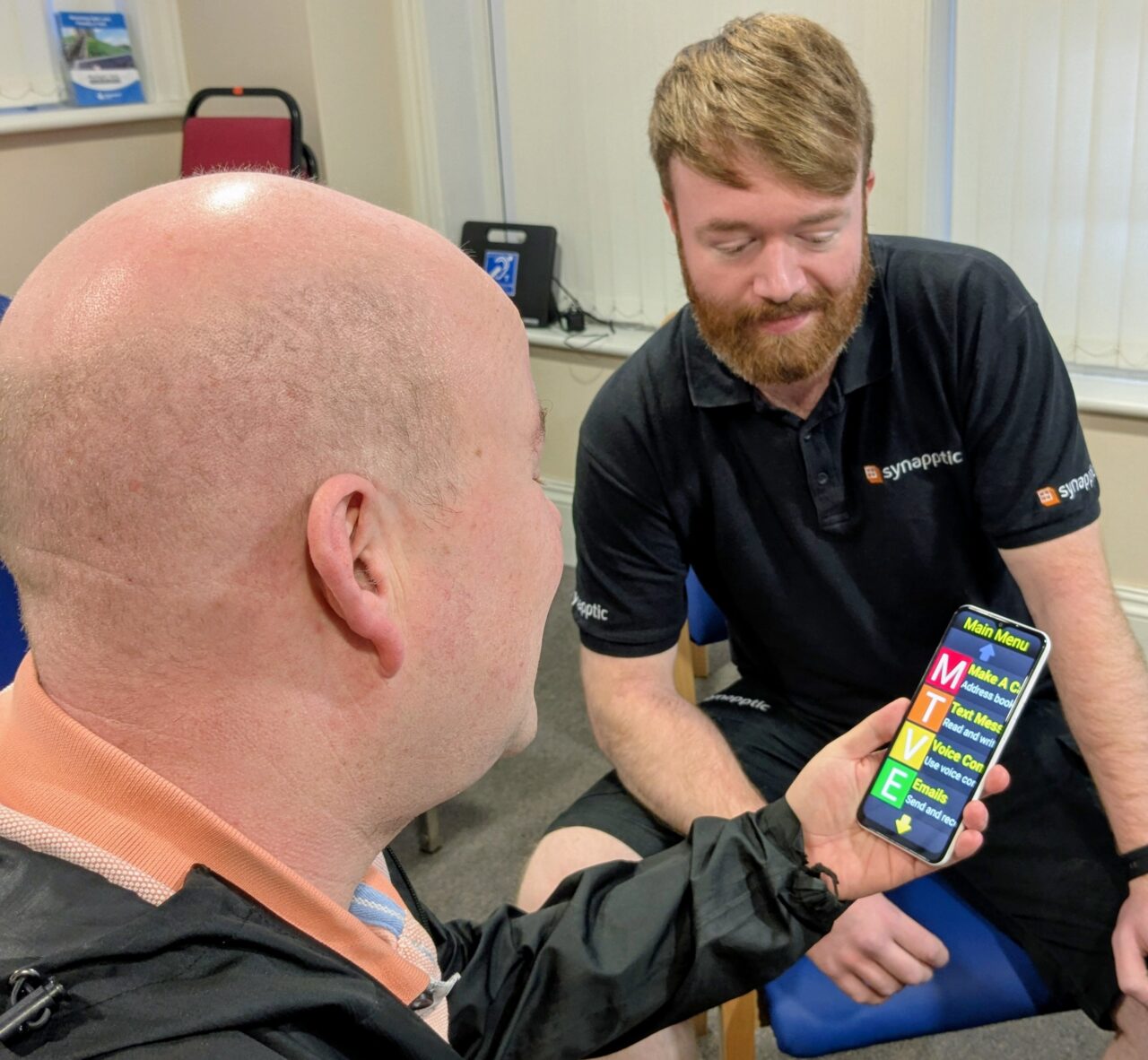
At MySight York we are delighted to have received funding from the Two Ridings Community Foundation Q Futures Fund, Feoffees of St Michael Spurriergate, and York and North Yorkshire Combined Authority through the UK government’s UK Shared Prosperity Fund, which has allowed us to equip a dedicated space where you can explore pieces of assistive technology at your own pace, to find what is right for you. This can be in a 1:1 appointment or in a peer support group. We can explore things like:
· Making sure the technology you already have is set up to be as accessible as you need.
· Having the chance to explore pieces of technology in a safe space with the guidance of experts.
· Learning how to make the best use of technology to aid in daily life.
· Helping you understand what technology can help you with, with the support of our Digital Champions.
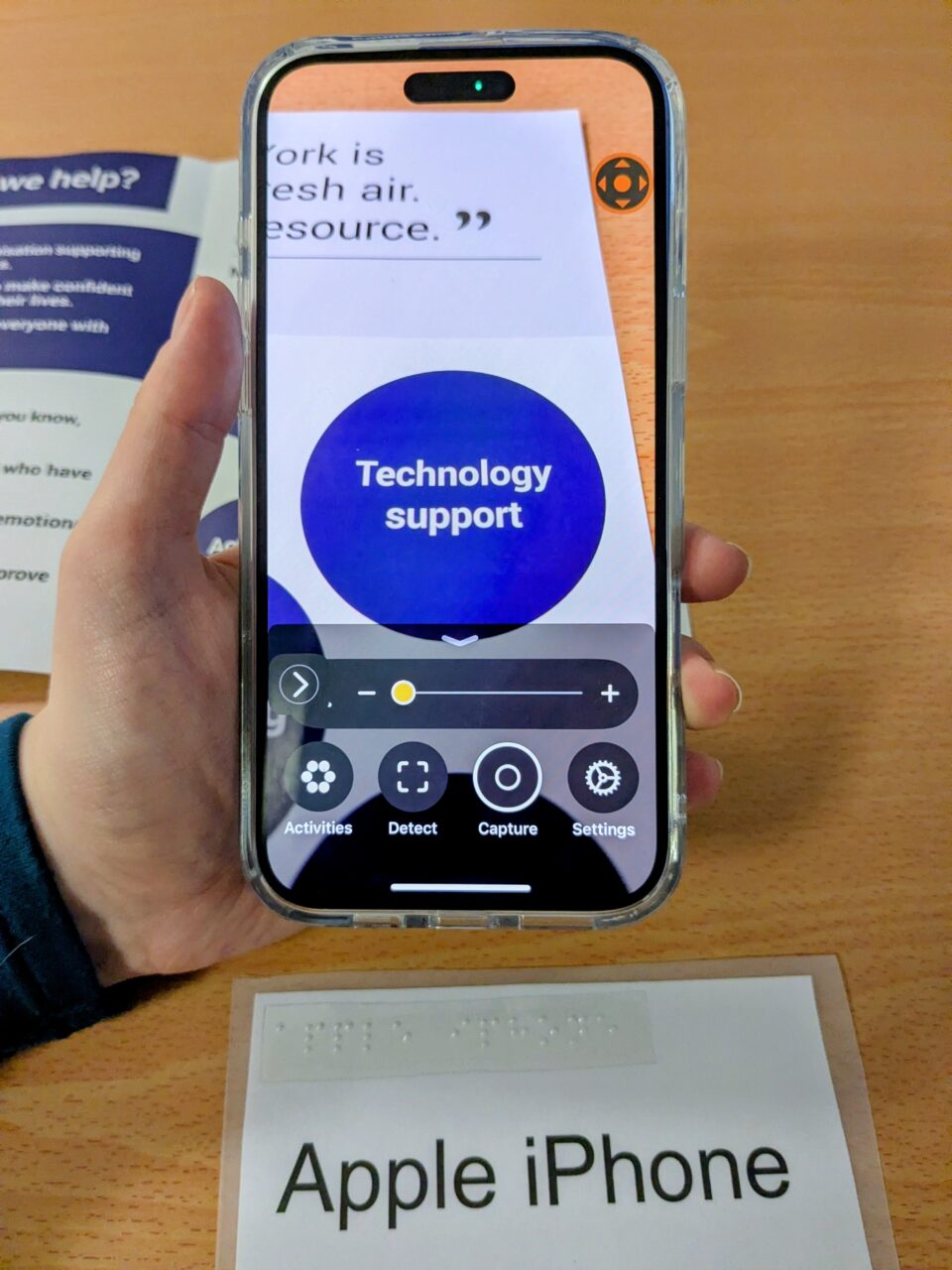
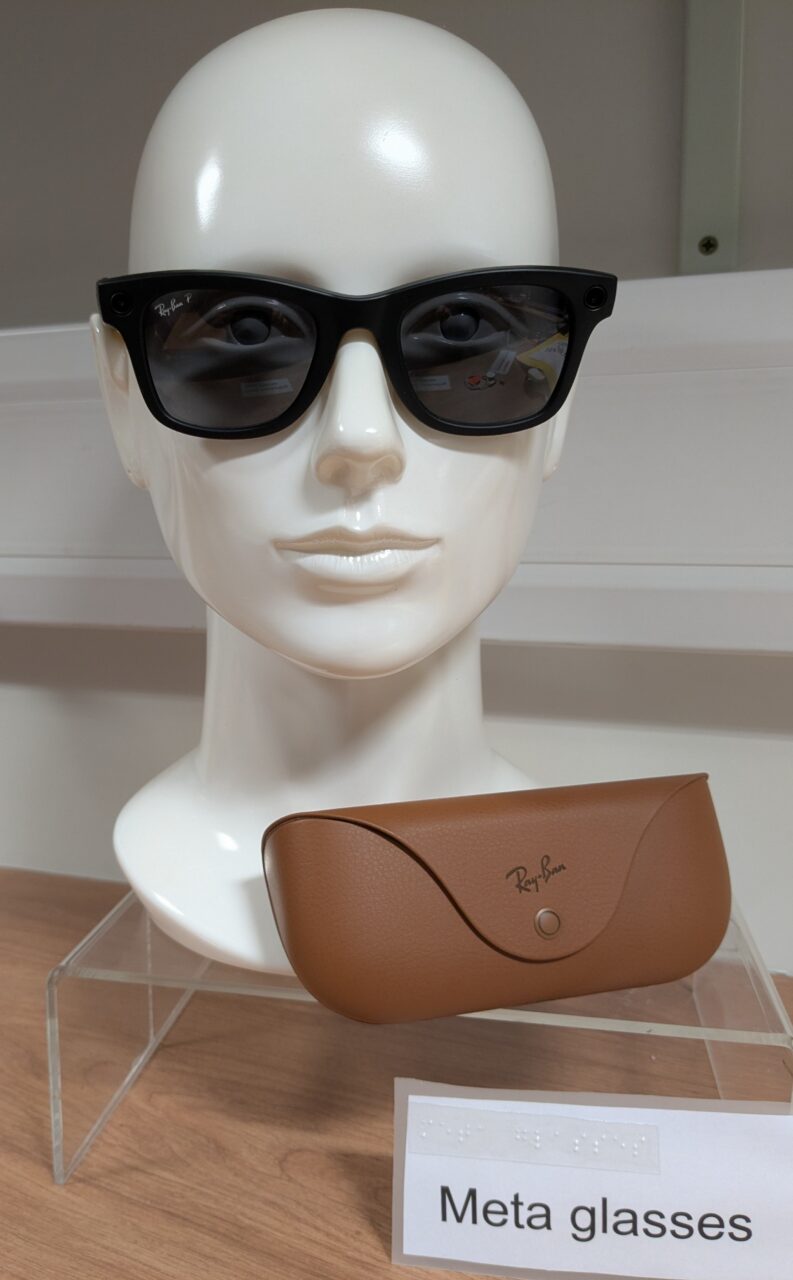
These sessions cover a range of available technology including both apple and android devices, Meta Classes, Orcam and much more. To book an appointment please call 01904 636 269.
Digital Cafes
We will be running digital cafes for people to come and learn about available technology which may be helpful to them. These sessions will cover a range of technologies, ranging from talking books on your mobile devices to AI assistants. If you would like to attend a session, please call and register your interest. If there is a subject relating to assistive technology that you would be interested in learning about, we welcome suggestions for upcoming cafes.
Upcoming Digital cafes:
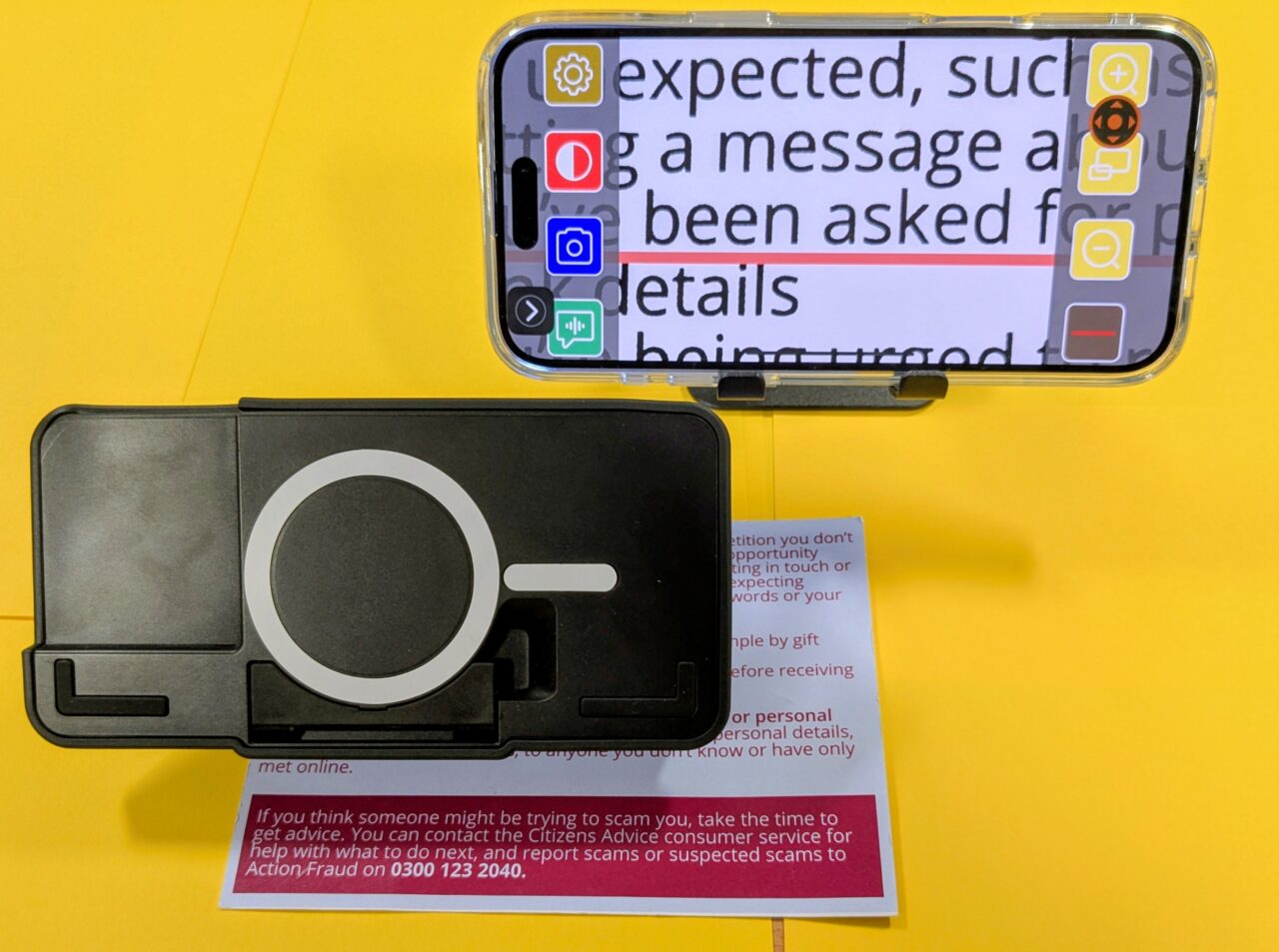
– 5th March – Optelec open day. Paul Bartley from Optelec will be in the MySight York office to show some of Optelec’s assistive tech, including the new Orcam Read 3.
Useful Apps
There are a lot of apps available, sometimes it can be hard to know which will be the right app for you. Knowing that they are available is the first step. The following are few of the apps available:
Seeing AI
Free
Apple and Android.
Seeing Ai Is a Microsoft created app. Designed for blind and low vision users, Seeing AI narrates your surroundings. It is as simple as pointing your phone’s camera at what you want described and the AI will narrate everything it sees to you. The app will:
– Short text
– Documents
– Barcodes
– Scenes
– People
– Money
– Colours
– Light detection
The app does require either a WiFi connection or Mobile Data.
Google play store: Seeing AI – Apps on Google Play
Apple App store: Seeing AI on the App Store
Google Gemini
Free
Subscription optional
Android and Apple
Gemini is Google’s free AI app. The app has 2 tiers, Flash and Pro. Initially these are free, but you can pay a £20 monthly subscription to allow for more data and usage of the Pro version. With Gemini you can ask an initial question, then proceed to have a conversation around the initial sentence and the answers provided. Its Live mode can be used to ask the AI what you are looking at and have a conversation about what your camera is seeing at that time. You can also share your screen with Gemini and ask it questions relating to what is currently on your screen. This can be done using your voice rather than typing.
You can also ask Gemini to look at an image from your camera reel. Gemini can have a conversation about the image, if you need more detail or wish to ask something specific relating to the image you can do this like having a conversation with a person.
Some features of this app require a WiFi or mobile data connection to use.
Google Play store: gemini – Android Apps on Google Play
Apple App store: Google Gemini on the App Store
Monthly Quick win
Sometimes all you need is to be able to make the device you have work better for you. The following are simple settings that can be changed to make your device work more accessible for you.
Light/Dark theme.
Changing the theme to dark can help if you struggle with the brightness of the white system background.
On a Samsung Android device:
Go to Settings →Display → the simply select Light or Dark mode
On a Google Android device:
Go to Settings → Display and touch → scroll down to appearance → Dark theme → select to turn on
On a Apple Device:
Go to Settings → Display and Brightness → select Dark or Light mode to switch On
Gallery